Tools
Utility tools can make navigation, planning, and everyday flight decisions easier. Start with the Reciprocal Heading Compass and expand your setup as new tools are added.
Open Tools
New to Star Citizen? Follow a clear path from trying the game and creating your account to choosing a starter package, preparing your PC, installing the launcher, and completing your first flight. The detailed guides below answer each decision without requiring an expensive ship or specialist hardware.
Referral disclosure: The account guide explains the optional RSI referral system. Clearly labelled account links may use a referral code and can reward both accounts under RSI's current rules.
New Player Path
Choose the point that matches where you are now. Each guide focuses on one decision, so you can move forward without reading everything first.
Utility tools can make navigation, planning, and everyday flight decisions easier. Start with the Reciprocal Heading Compass and expand your setup as new tools are added.
Open Tools
Star Citizen is a playable online multiplayer space simulation developed by Cloud Imperium Games. Its Persistent Universe combines first-person gameplay, detailed space flight, combat, trading, mining, salvage, exploration, and social multicrew play in one shared sandbox.
You can log in, fly ships, complete missions, earn temporary in-game currency, and explore the current universe now. However, features and balance continue to change, technical problems are still possible, and Alpha currency or progression may occasionally be reset when testing requires it. Star Citizen is a better fit for players who enjoy an evolving sandbox and can tolerate unfinished systems than for anyone expecting a polished final release.
The Persistent Universe is the playable online part of Star Citizen. Squadron 42 is a separate cinematic single-player campaign set in the same universe. RSI currently lists Squadron 42 as still in development and unavailable for download, so access to Star Citizen should not be assumed to include the single-player game unless a pledge explicitly lists both products.
Verified October 12, 2026 against the official RSI Get Started Checklist, Alpha development notice, and Squadron 42 status.
As verified on October 12, 2026, the official Citizen Starter Pack was listed at $45 USD before regional taxes during a 25% promotion, with RSI showing a regular subtotal of $60 USD. Prices, package availability, promotions, currencies, and taxes can change, so confirm the final amount in the official store before paying.
To play outside a Free Fly, you need an RSI account and one Game Package that explicitly includes Star Citizen Digital Download. An eligible starter package includes game access and a starting ship. A standalone ship does not provide game access by itself, and larger or more specialized ships are optional rather than necessary upgrades.
No recurring subscription is required for normal play. RSI subscriptions are optional contributions tied to extras such as behind-the-scenes content, digital magazine access, and subscriber perks. Regional taxes are calculated from the billing location and may increase the checkout total.
You can also wait for an official Star Citizen Free Fly to test the Alpha without a Game Package. A referral code is optional and does not discount the package; the referral guide explains the current account bonus separately.
Price checked October 12, 2026 on the official Citizen Starter Pack listing. Package requirements are documented in the RSI Pledges FAQ; subscription benefits are described in the Subscriptions FAQ.
The biggest mistake many new players make is trying to understand everything at once. Follow this simple beginner path instead.
Review the optional referral system and the current official rules before creating your RSI account.
You need a game package, not just a standalone ship. A basic starter package is enough for your first journey.
Download the RSI Launcher, choose the right storage location, and verify the game files.
Retrieve your ship, request clearance, take off, travel, land, and store it safely.
Star Citizen offers many professions for different player types. You can haul cargo between trade hubs, mine valuable resources, salvage wrecks, fight bounties, escort other players, explore planets, run medical support, race, take cinematic screenshots, or simply travel and observe the scale of the universe. The strongest beginner approach is to test several professions before investing in specialized ships.
This flexibility is what makes the game attractive for long-term players. A small starter ship can become the first step toward cargo hauling, combat training, exploration, or group gameplay. Your preferred profession should guide future upgrades, not the other way around.
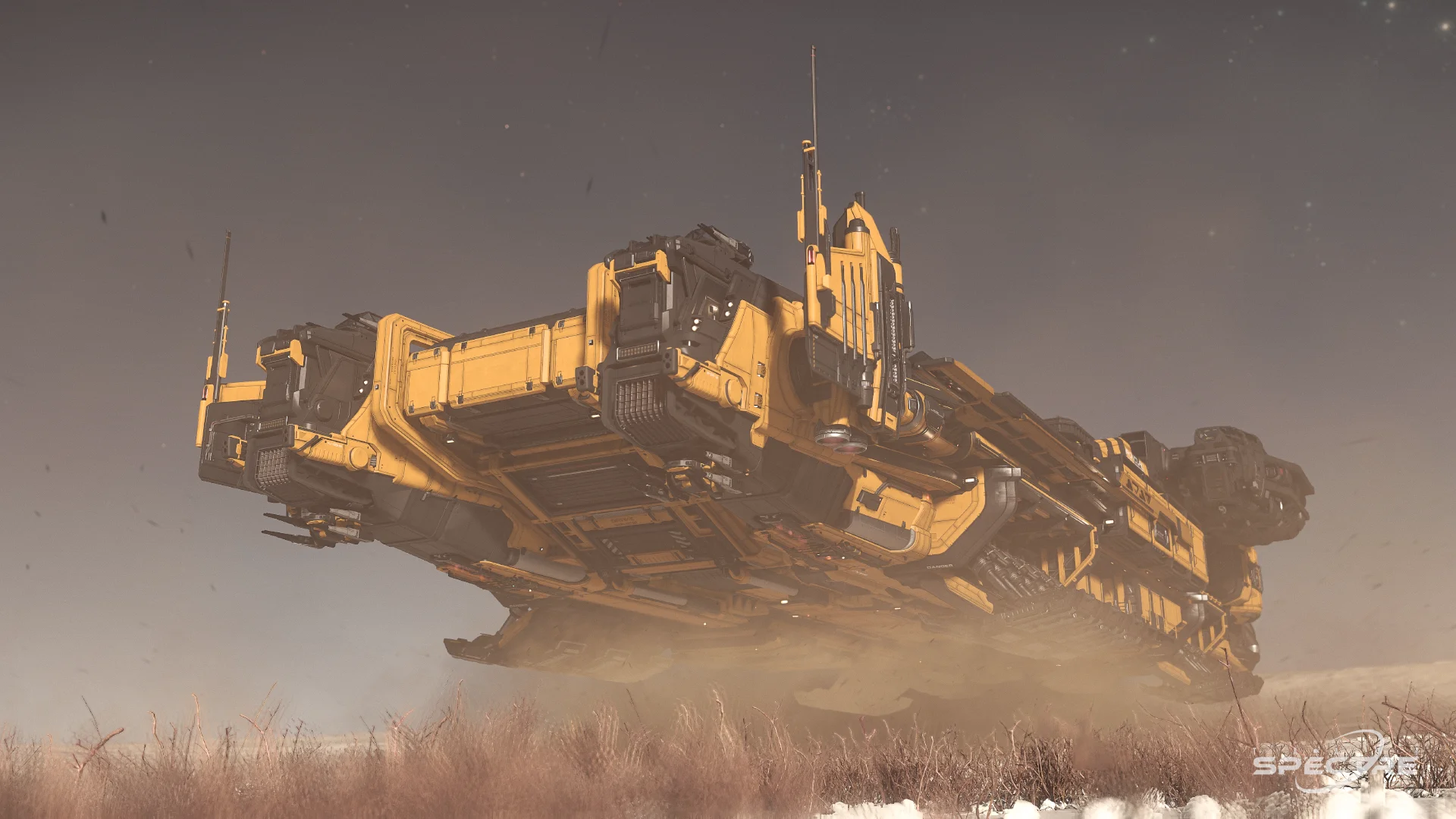
Move goods, plan routes, manage risk, and build your income through transport and logistics.
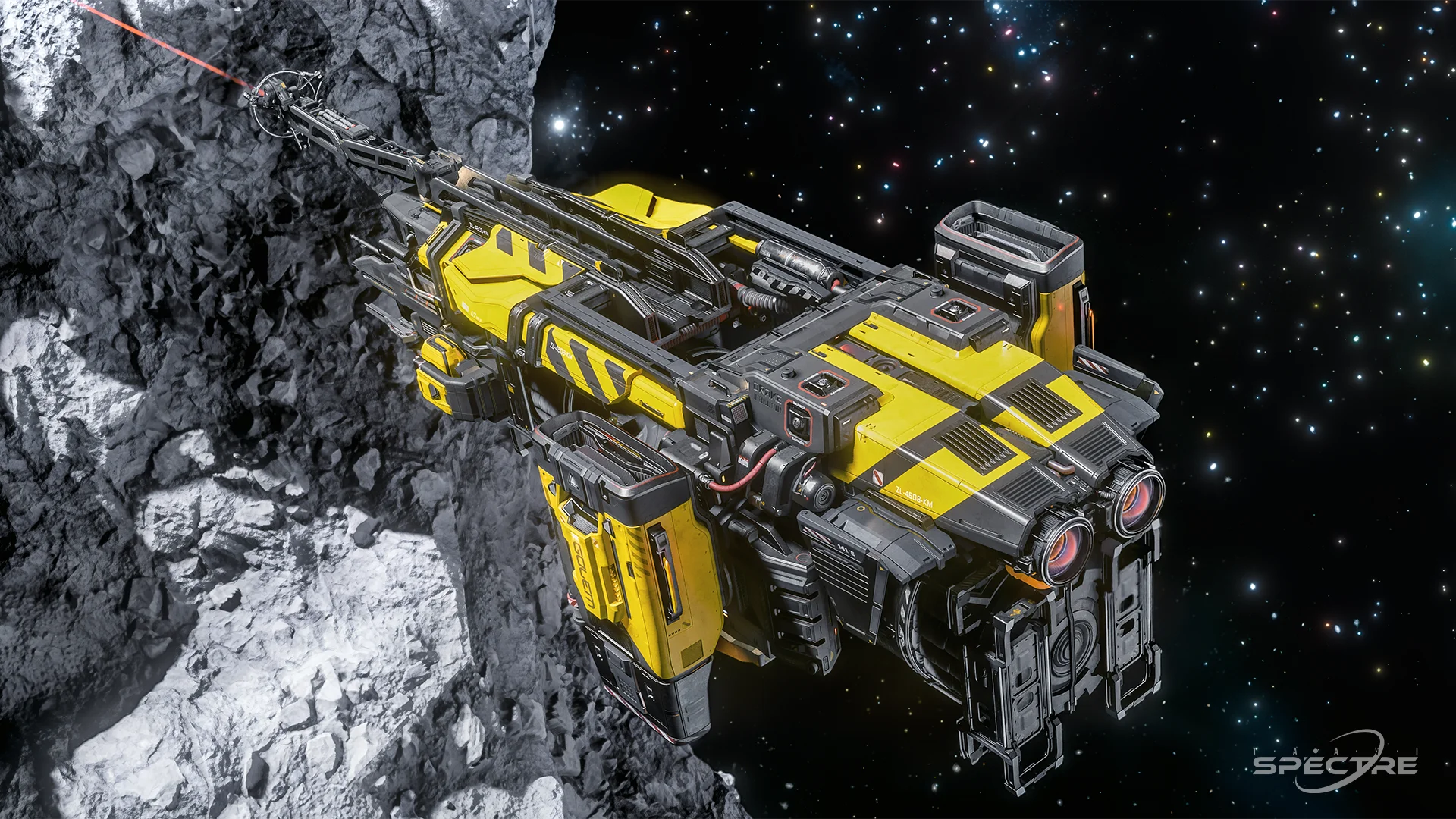
Search for resources, scan deposits, refine materials, and earn credits through industrial gameplay.
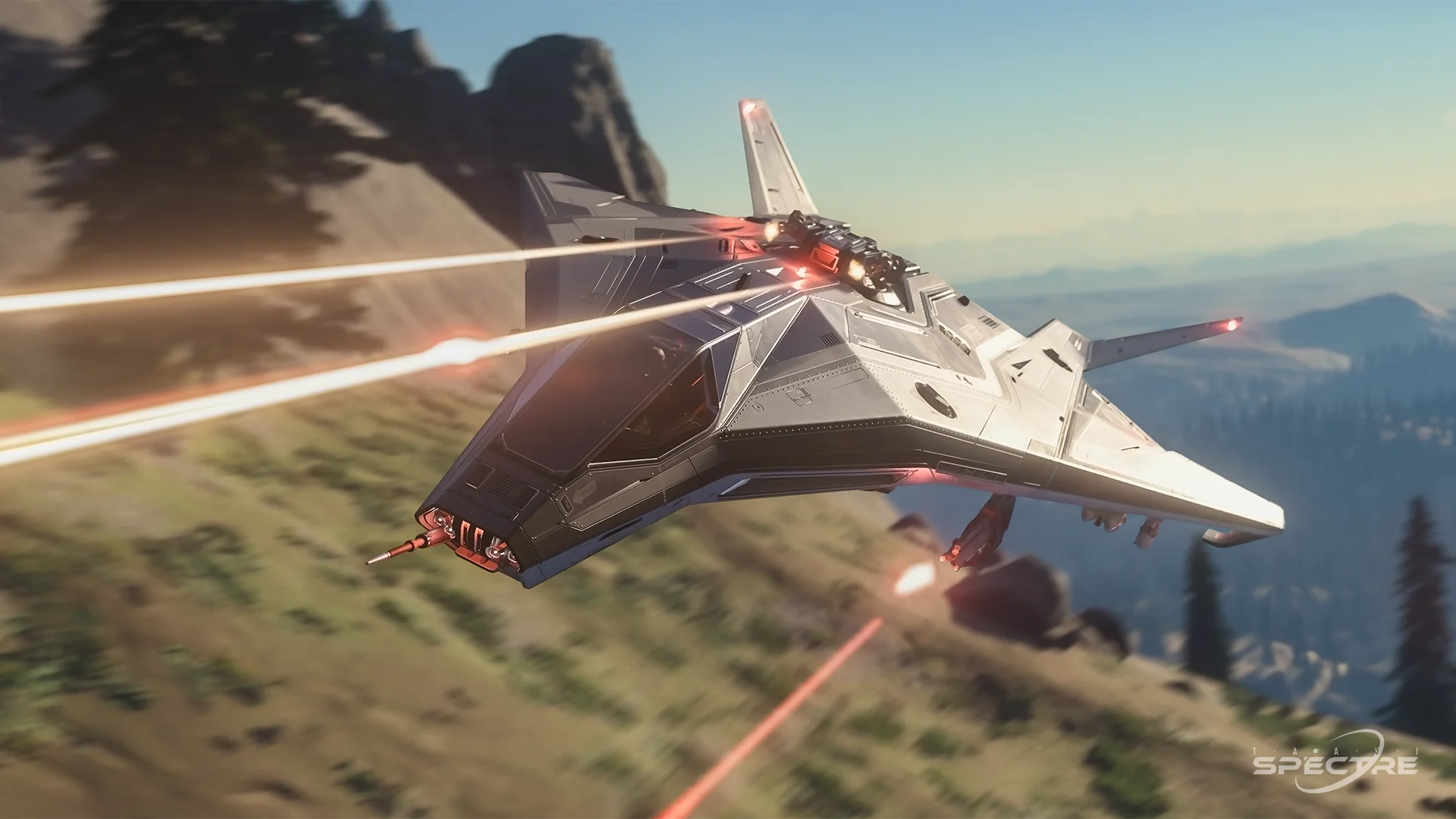
Enter combat, improve your flight skills, and hunt dangerous targets across the system.
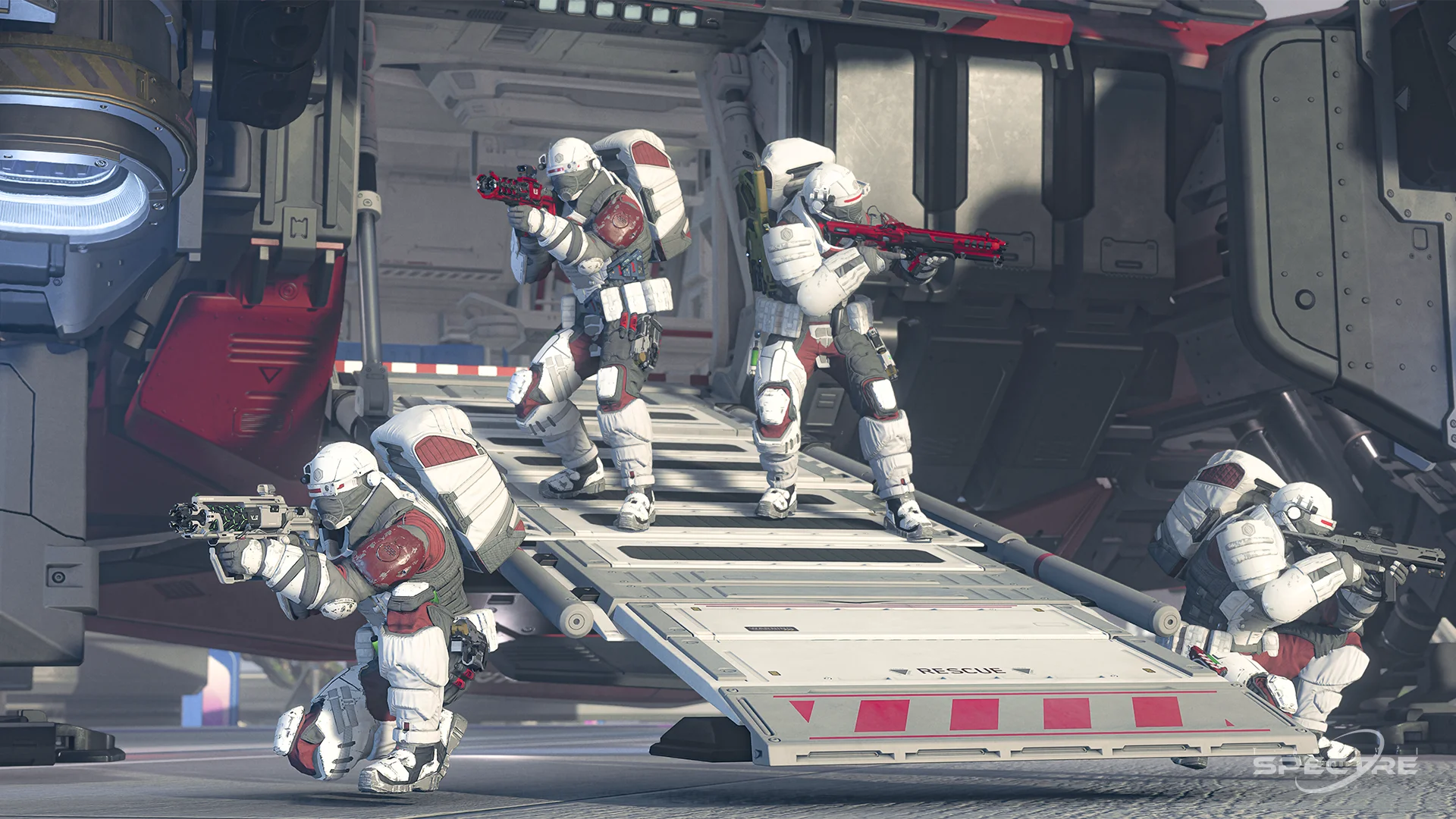
Help other players, run rescue operations, and become a valuable support specialist for any crew.
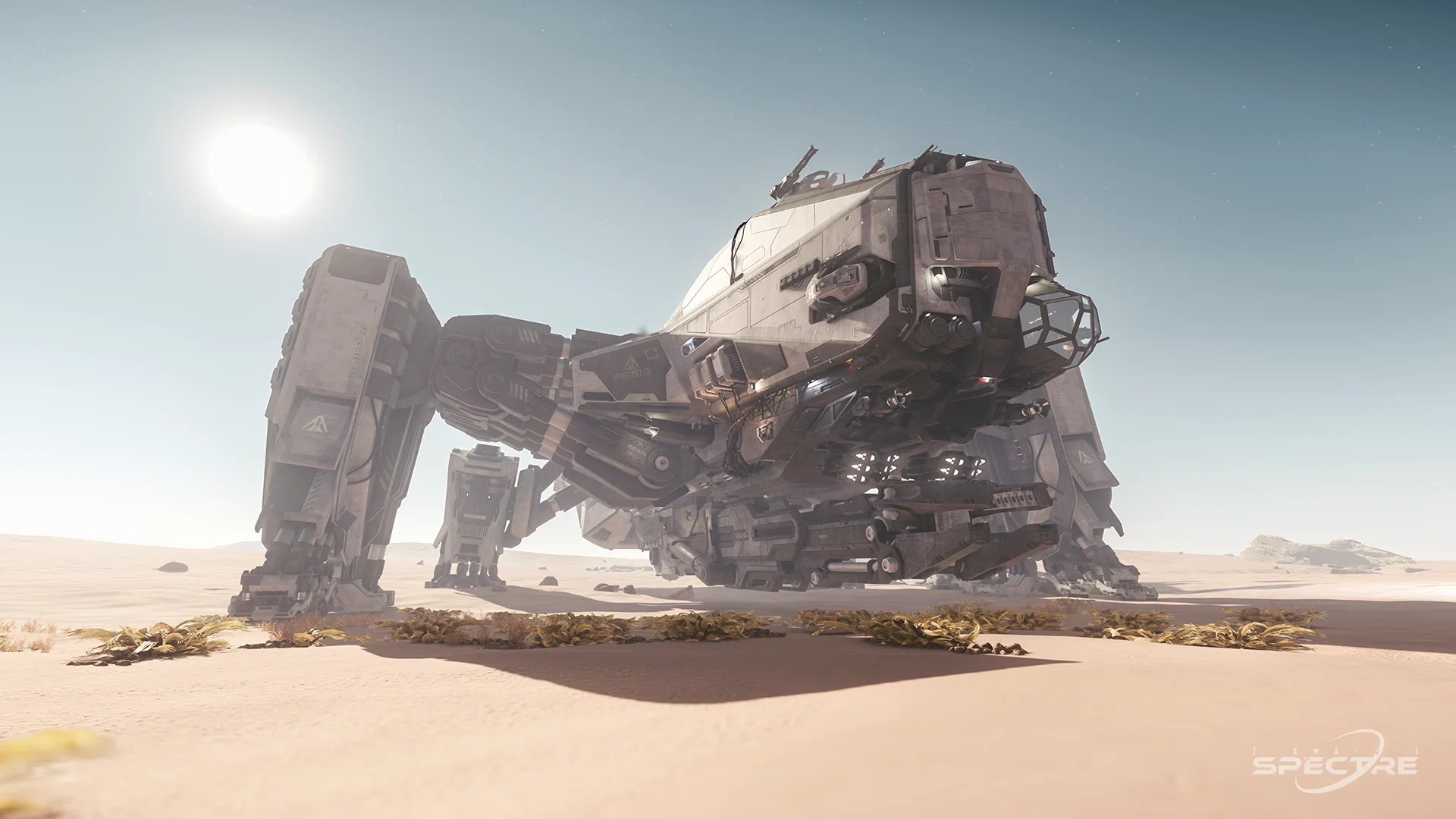
Recover value from wrecks, collect materials, and earn credits through technical cleanup operations.
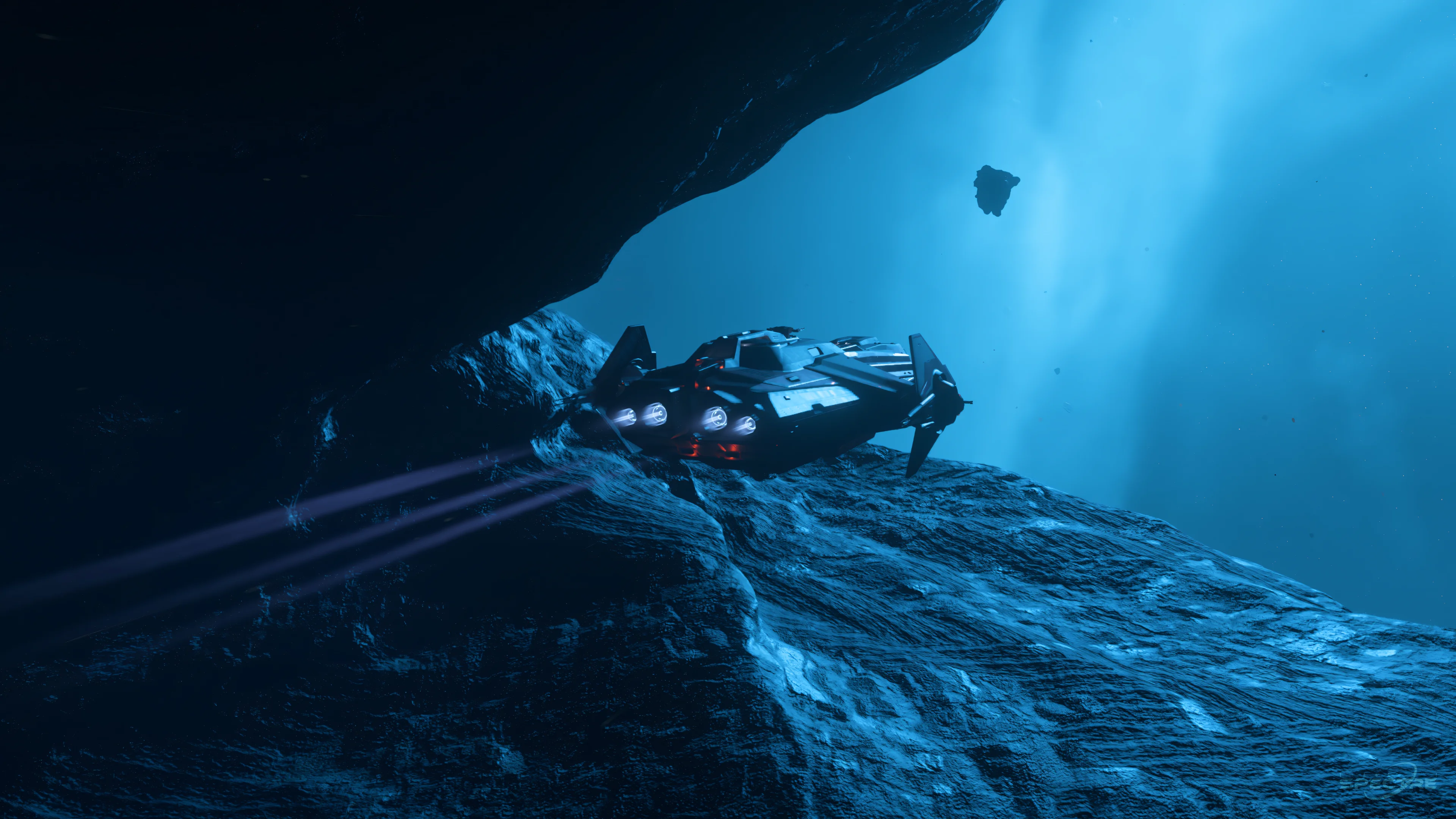
Discover moons, planets, outposts, landscapes, and remote locations built for adventure and screenshots.
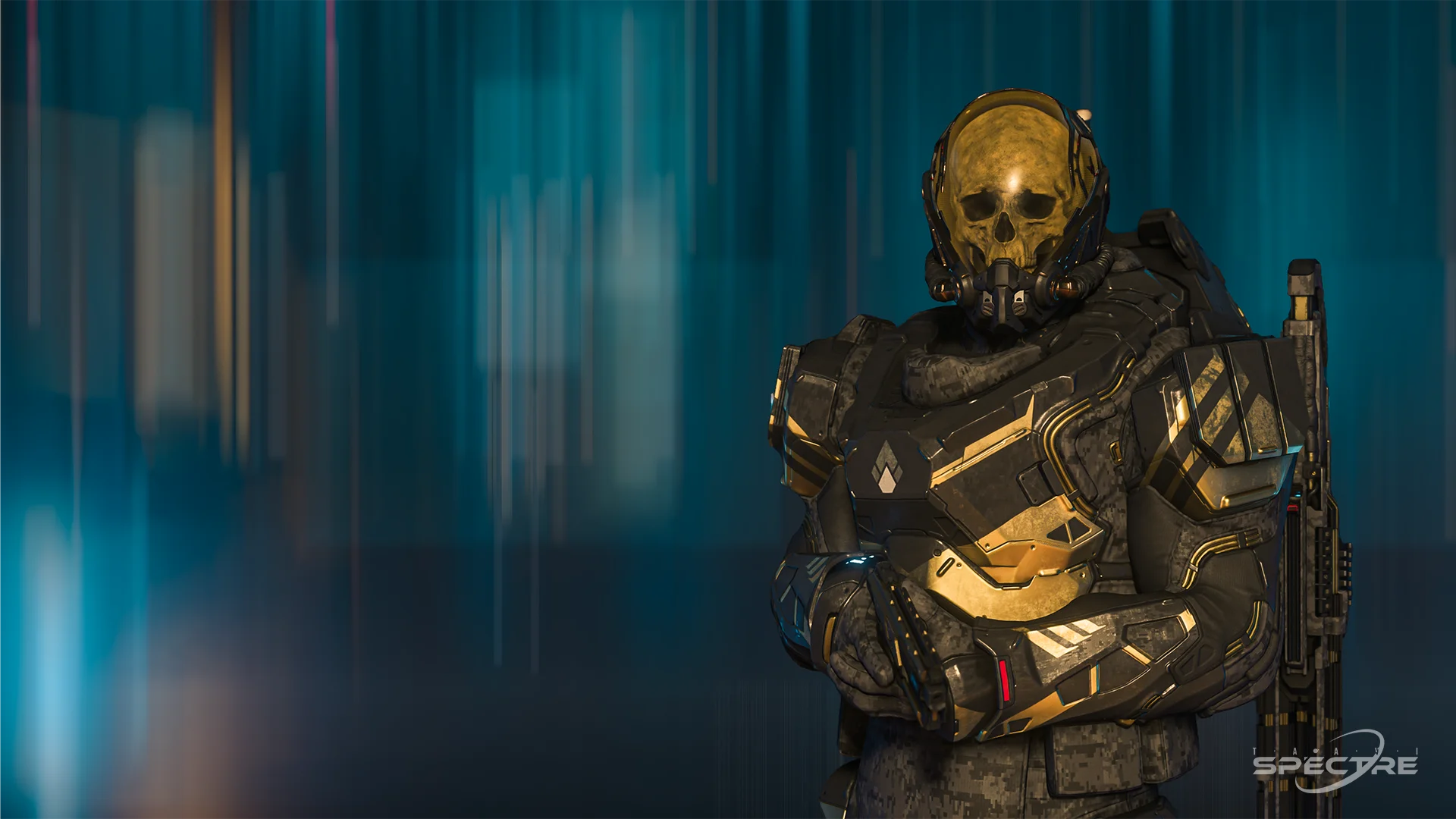
Live outside the law, intercept cargo, take risks, and create high-stakes encounters where reputation and consequences matter.
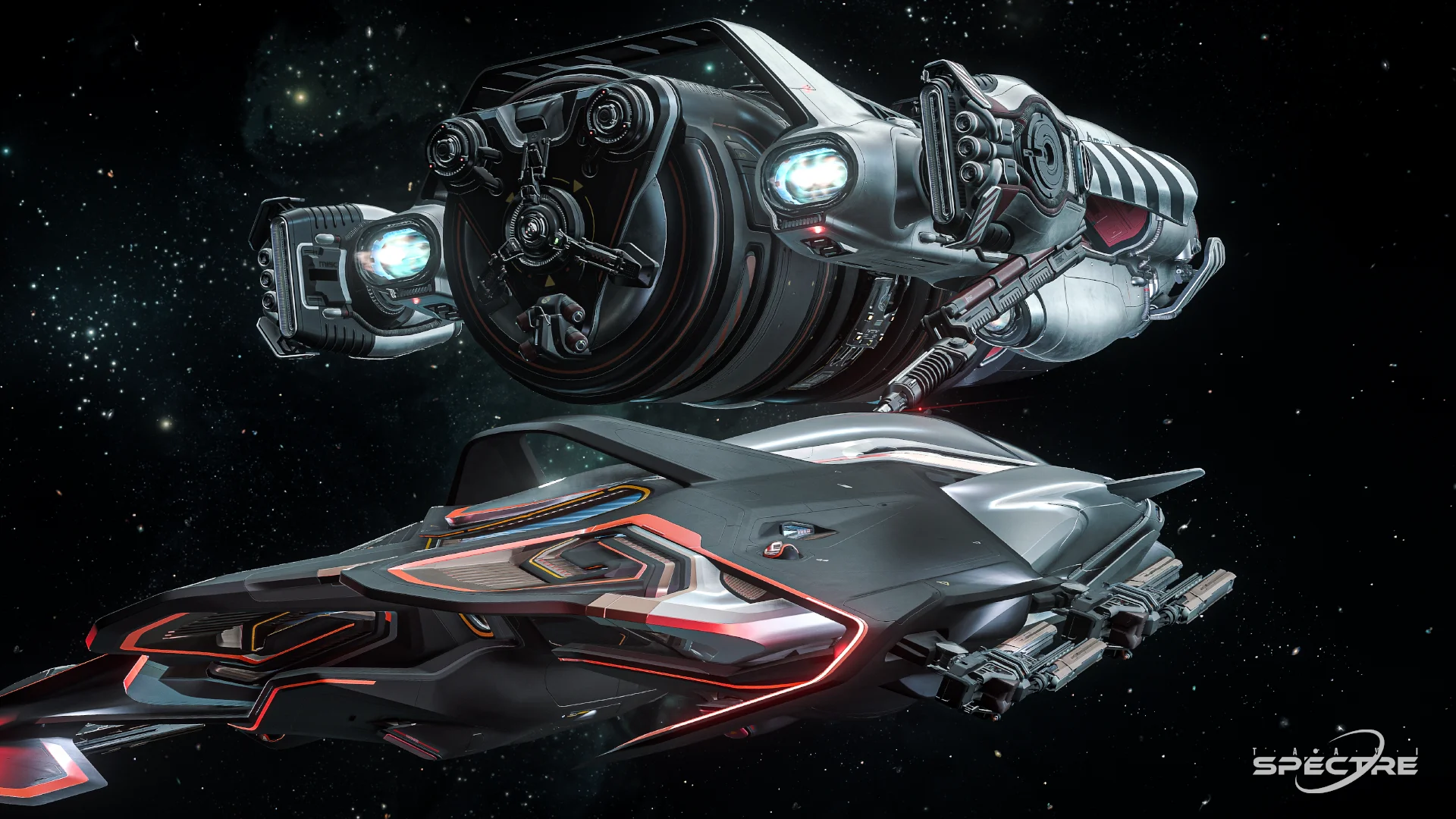
Support other pilots with fuel, repairs, and recovery services, turning logistics and field support into a valuable career path.
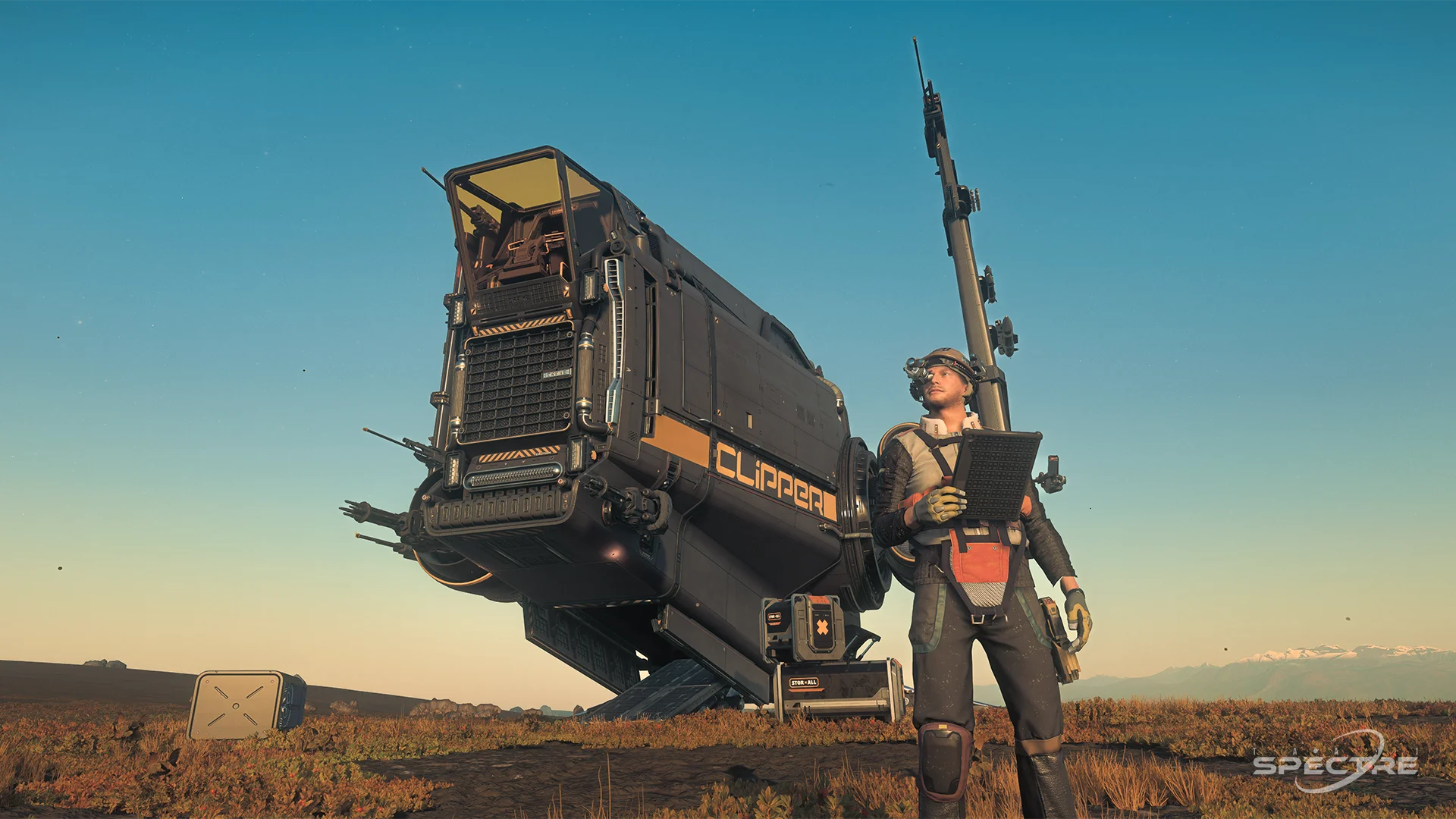
Prepare for future settlement, production, and crafting gameplay by building toward long-term progression and player-driven industry.
To play outside a Free Fly, you need an RSI account and a Game Package that explicitly includes Star Citizen Digital Download. A standalone ship does not provide game access on its own. See the starter-package guide for the full package comparison and current buying advice.
The quiz below remains a quick way to match your interests with a beginner-friendly ship type. Treat the result as orientation rather than a purchase requirement: an inexpensive package is enough, and many additional ships can be rented or earned in the game.
Legal notice: The starter recommendation below is not a product sold, processed, fulfilled, or supported by this website. It is an informational recommendation only and links to the official Star Citizen / Roberts Space Industries shop. Any purchase, price, tax, refund, account, or delivery matter is handled exclusively by Roberts Space Industries and is subject to their current terms.
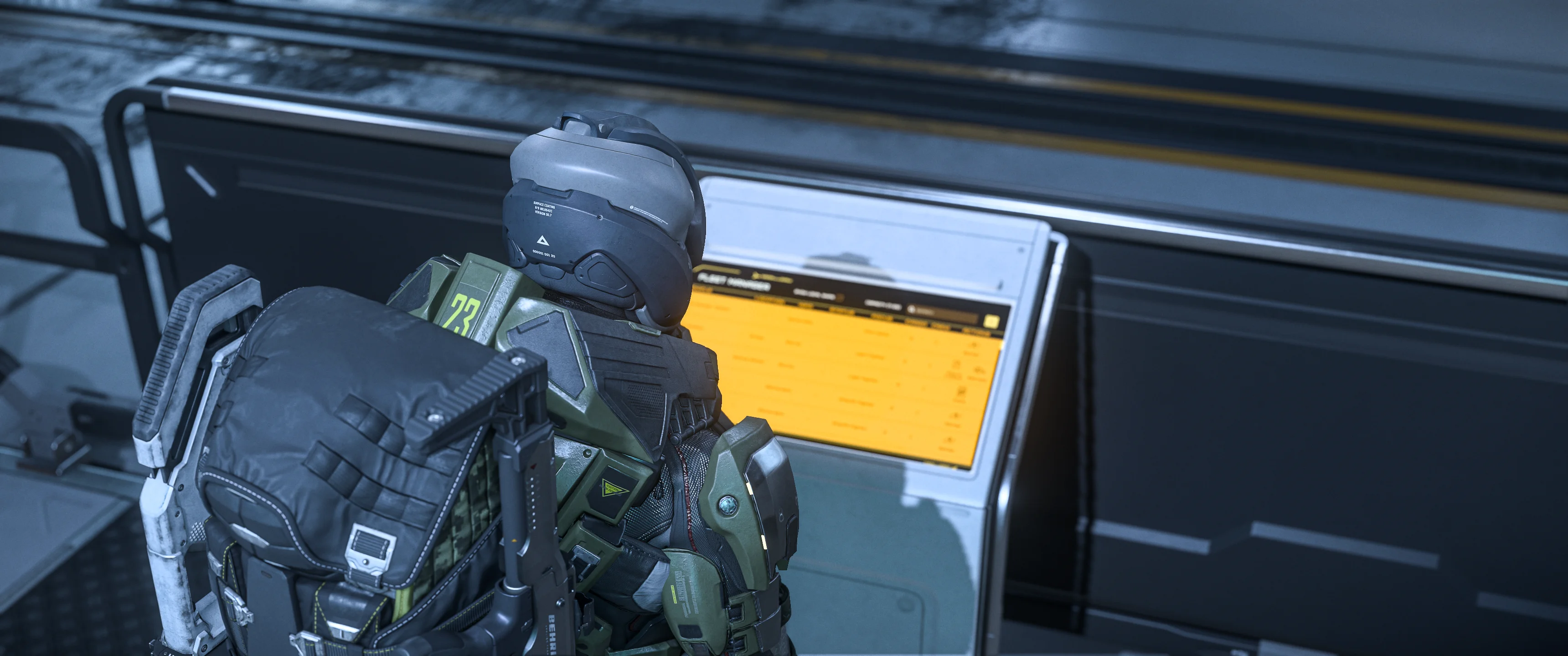
One of the first things every new player in Star Citizen needs to learn is how to retrieve and spawn their ship. Since several recent patches, the process has become more immersive and closely tied to the persistent hangar system. For the complete sequence from retrieval to a safe landing, follow the first-flight walkthrough.
After creating your character and selecting a Home Location, you will usually spawn directly inside your personal hangar. No idea what home location you should pick? Do the quiz below to find a fitting suggestion for your preferences. This is your persistent hangar, meaning it remains tied to your chosen starting location.
At the beginning of the game, all ships, equipment, armor, weapons, and items you own are stored at this Home Location.
Directly near the spawn area, you will find an ASOP Terminal. These terminals are used to manage, retrieve, and store your ships.
To receive your ship:
Once the delivery process is complete, your ship will appear inside your personal hangar, ready for departure.
When visiting other cities or stations, the process works slightly differently.
Because your persistent personal hangar only exists at your Home Location, you must use public ASOP Terminals at all other locations. These are usually located near the hangar elevators in spaceports and stations.
After retrieving your ship at the terminal:
Once you enter the assigned hangar, your ship will usually already be waiting for you.
Inside most hangars, you can find another ASOP Terminal which allows you to switch to a different ship without leaving the hangar area.
However, there is an important limitation many new players overlook:
If the ship you want to retrieve is too large for the currently assigned hangar size, it will not appear in the hangar's ASOP Terminal list.
For example:
If this happens, you must:
The game will then assign you a new hangar large enough for that ship.
ASOP Terminals are one of the most important systems in Star Citizen. They act as the main interface for:
Learning how ASOP systems work is one of the first major steps toward understanding the game's persistent universe systems.
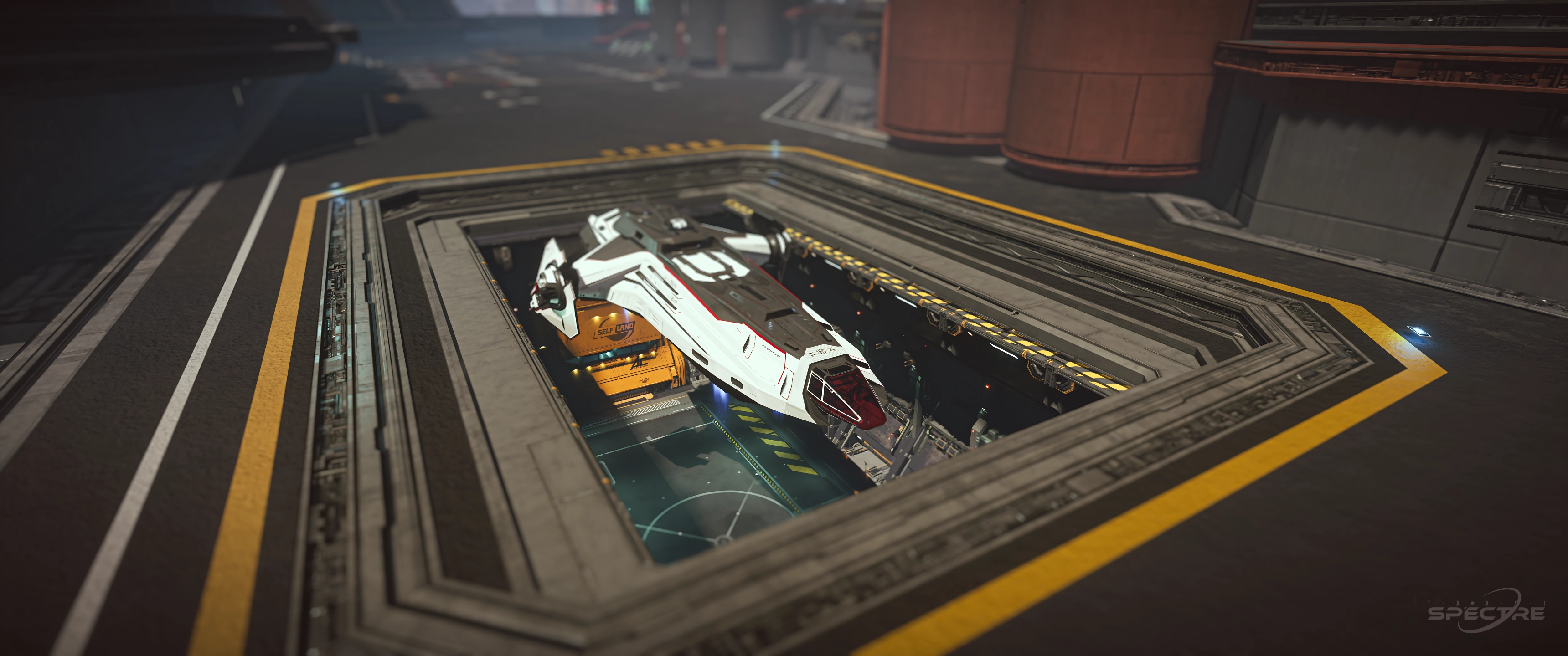
Once you are seated in the pilot's seat and have successfully powered on your ship, the next step is leaving the hangar safely. For many new Star Citizen players, this is often the first real challenge. Taking your time and following a few simple steps will help you avoid collisions, fines, or an embarrassing trip back to the medical bed. The first-flight controls table provides the compact key reference used in this section.
Before you can leave the hangar, your ship's systems must be online.
The default keybinds are:
Press U to activate Flight Ready, or hold F and select the corresponding cockpit control. This prepares the essential ship systems for departure.
Take a moment to check your cockpit displays and make sure all systems are functioning correctly before attempting takeoff.
Even with your ship powered up, the hangar doors will remain closed until Air Traffic Control (ATC) grants you departure clearance.
You must first send a takeoff request to the local ATC. Once approved, the hangar doors will begin opening automatically. Depending on the location, this may take a few seconds.
Wait until the doors are fully open before moving your ship. Attempting to leave too early can result in damage to your vessel or even complete destruction.
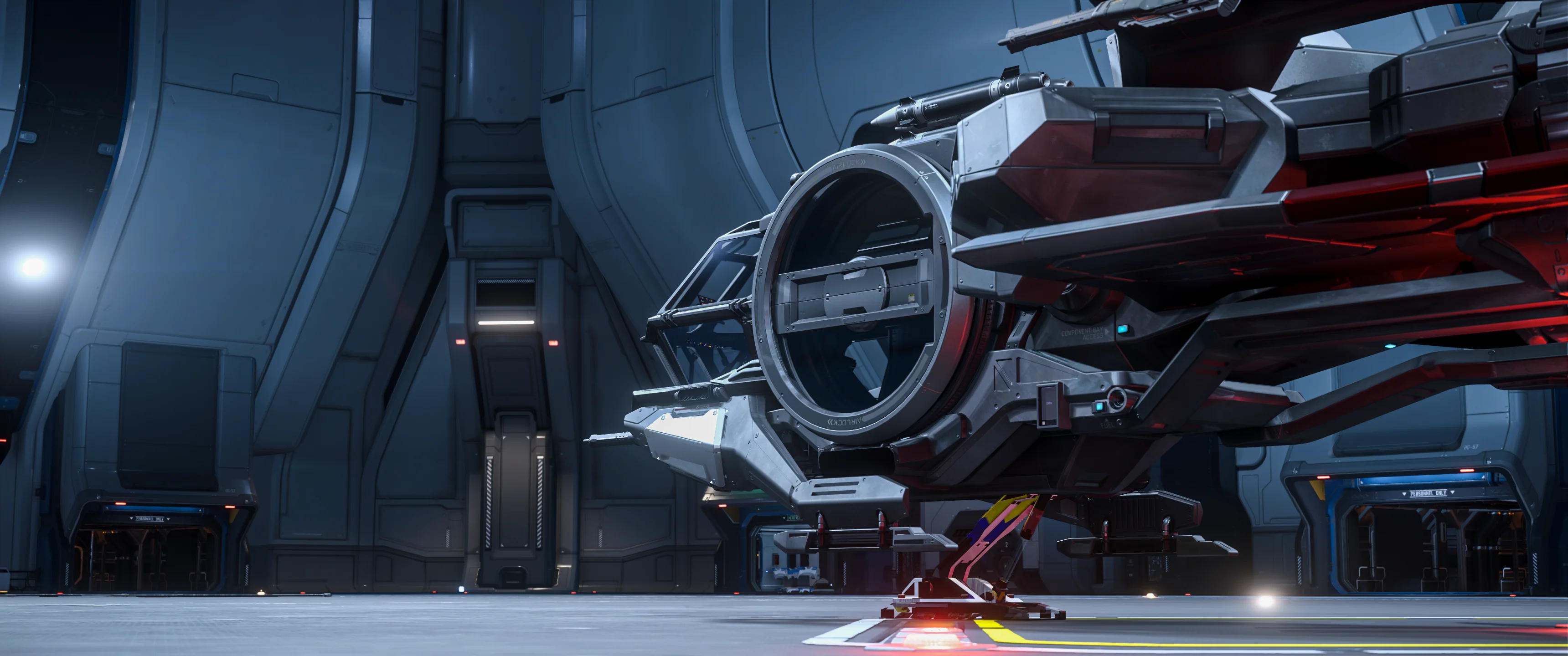
Press Left Alt + N, the default shortcut to call ATC and request the hangar to open.
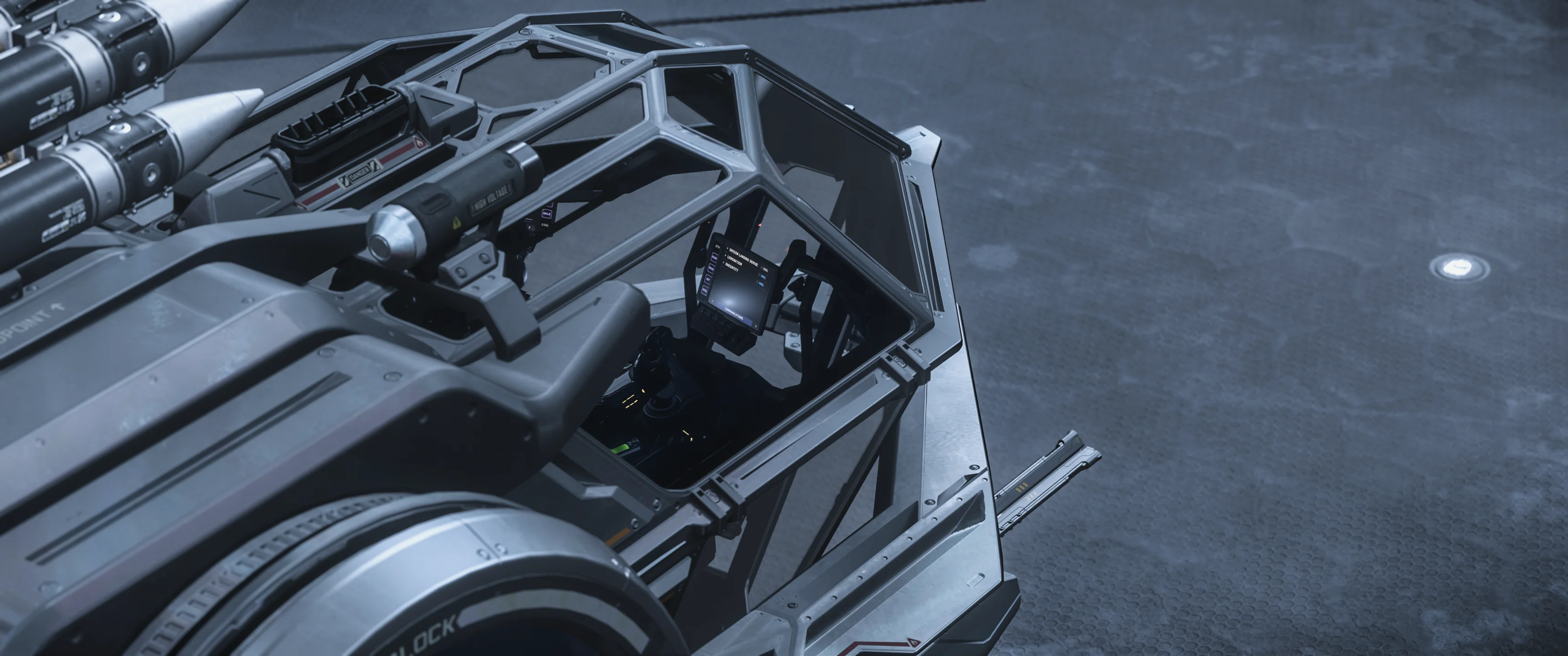
As an alternative to the keybind you can use one of the MFDs in your cockpit. Hold F and use the mouse to navigate to the Communications display. On the very top you'll see the closest ATC. Hit the Hail button to request a hangar opening.
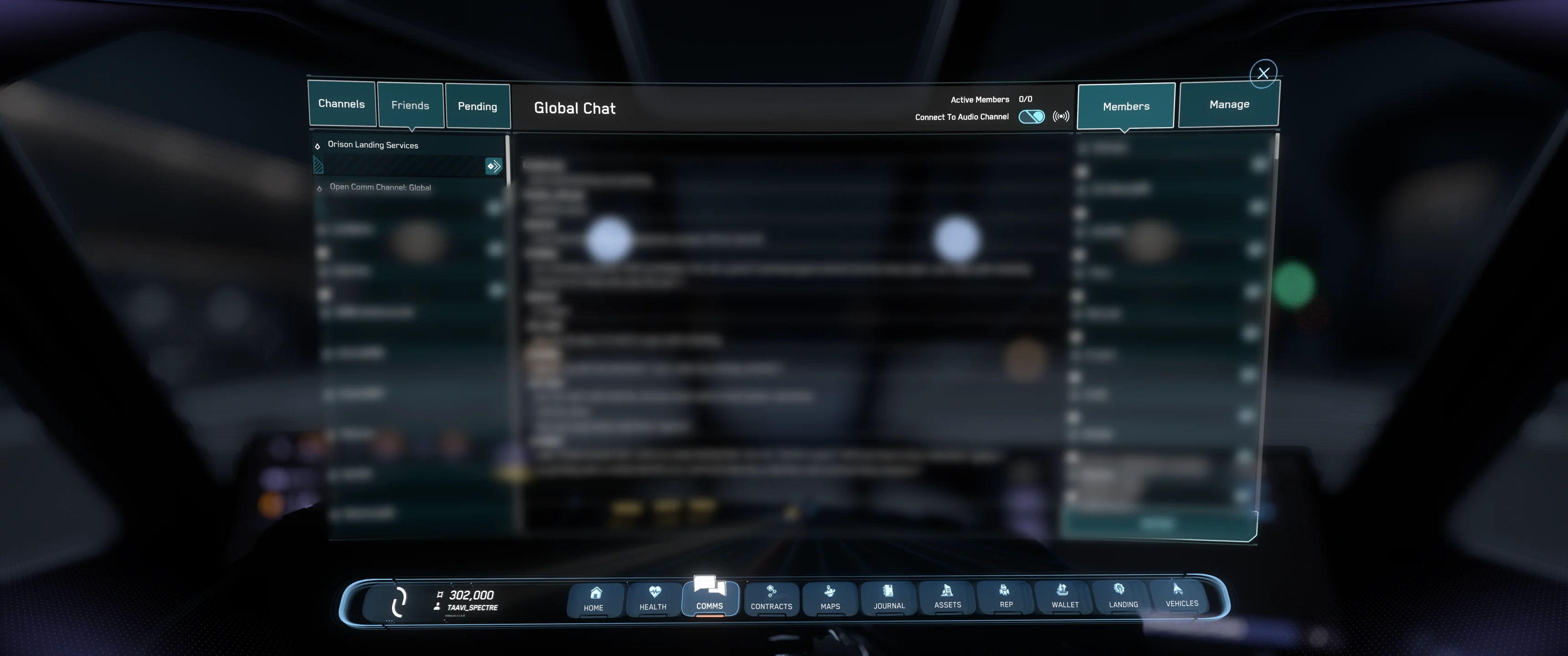
Press F11 to open Commlink. In the Friends list, the nearest available ATC appears at the top when you are in range. Select it and use the Hail button to request your hangar to open.
With clearance granted and the hangar open, slowly lift your ship off the landing pad.
Use Spacebar to apply upward thrust and gently rise a few meters above the ground. Avoid accelerating too quickly. Most beginner accidents happen because pilots use excessive thrust inside confined hangars.
As you gain altitude, carefully look around and identify the safest route out of the hangar.
Some locations feature hangars that open directly toward the outside.
In these hangars:
Be especially careful with larger ships, as wings, engines, and landing gear can easily clip nearby walls.
Many major landing zones use vertical hangars that open above your ship.
In these cases:
Remember that larger ships require significantly more clearance than smaller fighters.
After clearing the hangar and reaching a safe altitude, retract your landing gear.
The default keybind is:
Retracting the landing gear improves your ship's aerodynamics and reduces drag, allowing for better acceleration and maneuverability. Usually the "auto slowdown" is activated only while the landing gear is down. Once you retract it, the ship starts to accelerate as the "slowdown" is disabled then.
Congratulations! You have successfully departed your first hangar in Star Citizen.
Now is a good time to orient yourself, set a destination on your Star Map, and begin exploring the vast universe. Whether you're heading toward a mission, meeting friends, trading cargo, or simply sightseeing, every journey starts with a safe takeoff.
Take it slow, stay aware of your surroundings, and before long, leaving a hangar will become second nature. Welcome to the 'verse, pilot.
One of the first questions every new Star Citizen player asks is: How do I make money?
The good news is that Star Citizen offers a wide variety of activities that allow you to earn credits, known as aUEC (Alpha United Earth Credits). Whether you enjoy combat, exploration, hauling cargo, mining, salvaging, medical gameplay, or simply flying from place to place, there is a profession for almost every playstyle.
The easiest way for beginners to start earning money is through the mission system.
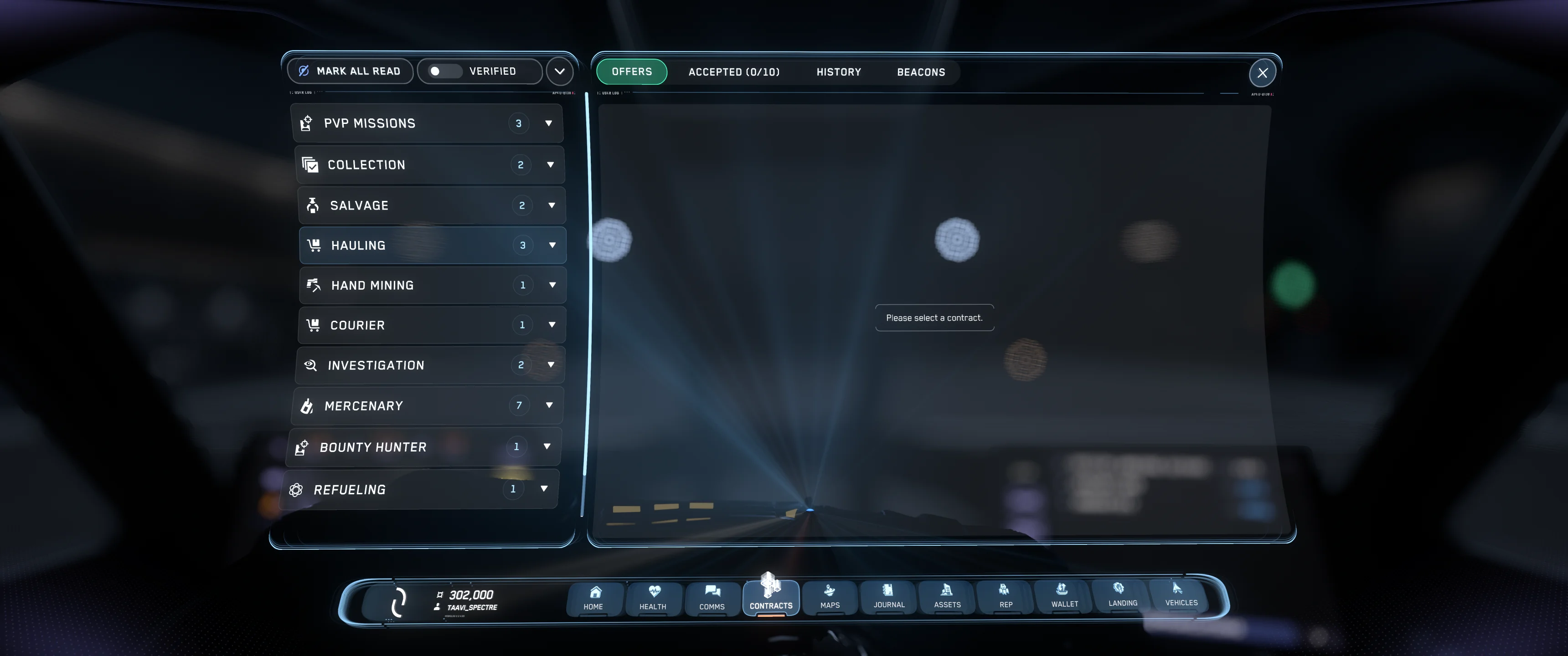
Press F2 to open your mobiGlas and navigate to the Contracts Manager tab. Here you will find a large selection of available missions offered by various organizations and companies throughout the Stanton system.
Contracts are divided into different categories, making it easy to find activities that match your interests and experience level. The availability of some missions may depend on the location you are at.
There is no single "best" way to make money in Star Citizen. The most profitable activity often changes as the game evolves, and what works best for one player may not be enjoyable for another.
Some popular beginner-friendly contract types include:
New players are encouraged to try several mission types to discover which gameplay loops they enjoy most.
While it may be tempting to jump straight into high-paying contracts, it is often better to begin with lower-risk missions. These contracts help you learn how to fly, navigate, land, use your mobiGlas, and understand the game's mechanics without risking expensive equipment or long travel times.
As you gain experience and build your reputation with various organizations, more advanced and better-paying missions will become available.
Another excellent way to earn money is by joining other players. Many experienced pilots are happy to bring newcomers aboard as turret gunners, crew members, medical support, or cargo handlers.
Not only can this be a great source of income, but it is also one of the fastest ways to learn the game and experience larger ships that you may not own yourself.
Completing contracts successfully increases your reputation with the organizations that offer them. Higher reputation levels unlock better missions, larger payouts, and more opportunities across the universe.
For this reason, consistency is often more important than chasing the highest-paying contract available.
Making money in Star Citizen is ultimately about finding the activities you enjoy most. Open your mobiGlas, browse the Contracts Manager, accept a mission that sounds interesting, and start building your career among the stars.
Whether you become a bounty hunter, trader, miner, salvager, medic, or explorer, every successful Citizen starts with their very first contract.

Travelling between planets, moons, stations, and outposts in Star Citizen would take hours using conventional engines alone. That's why every ship is equipped with a Quantum Drive, allowing pilots to travel vast distances across the system in just minutes.
If you're new to Star Citizen, learning how to use your Quantum Drive is one of the most important skills you'll need.
Before you can begin a quantum jump, you must choose a destination.
Press F2 to open the Star Map and select the location you wish to travel to. This can be a planet, moon, space station, city, outpost, or mission objective.
After selecting your destination, choose Set Route. A navigation marker will appear in your HUD, showing you where to point your ship.
Once a route has been set, turn your ship toward the destination marker.
Press and hold B to begin spooling the Quantum Drive. During this process, your ship prepares the drive for faster-than-light travel.
Depending on your ship and the installed Quantum Drive, the spool-up process may take a few seconds.
After the drive has finished spooling, it must calibrate to the selected destination.
Keep your ship pointed toward the navigation marker while calibration progresses. If you turn too far away from the target, calibration may slow down or reset.
Once calibration reaches 100%, your Quantum Drive is ready to engage.
With the drive fully spooled and calibrated, click the left mouse button to initiate the quantum jump.
Your ship will accelerate into Quantum Travel and begin moving toward the selected destination at incredible speed.
During the jump, normal flight controls are largely unavailable until the journey is complete.
Not every destination can be reached directly. Sometimes your route may require one or more intermediate jumps.
Simply follow the route generated by the Star Map and continue jumping between navigation markers until you reach your final destination.
Mission objectives often create their own markers, making them easy to locate.
Quantum Travel consumes Quantum Fuel, which is separate from your ship's normal hydrogen fuel.
Larger ships often carry more fuel and can travel farther without refueling. Smaller ships may require occasional fuel stops at stations or landing zones.
Before beginning a long journey, it's always a good idea to check your fuel levels on your ship's displays.
As you approach your destination, the Quantum Drive will automatically disengage.
Take a moment to orient yourself and identify your next objective. If you're heading to a station, city, or outpost, you can now begin your approach and request landing clearance when you arrive.
The Quantum Drive is what makes the vast universe of Star Citizen accessible. Once you understand how to set routes, spool, calibrate, and jump, travelling across the Stanton system becomes quick and easy.
Mastering Quantum Travel opens the door to trading, exploration, combat missions, mining operations, and countless adventures waiting among the stars.

Sooner or later, every pilot in Star Citizen will lose a ship. Whether it is destroyed in combat, crashes into a mountain, or mysteriously disappears after a bug, knowing how the ship claiming system works is an important part of life in the 'verse.
If your ship is destroyed or otherwise unavailable, you can request a replacement at any vehicle terminal.
Simply interact with an ASOP Vehicle Terminal, locate your ship in the list, and select Claim. After a short waiting period, a replacement ship will be delivered to the station or landing zone where you are currently located.
Most ships can also be expedited for an additional fee, reducing the waiting time significantly.
At the moment, the claiming system acts as a temporary replacement mechanic that ensures players always have access to their pledged and purchased ships.
Once the claim timer has expired, your replacement vessel can be retrieved and used normally. In most cases, any cargo, equipment, or items that were aboard the lost ship will not be recovered automatically.
Many ships are sold with insurance packages such as 6 months, 10 years, or even Lifetime Insurance (LTI). While these insurance terms are displayed in players' hangars and pledge information, they currently have no practical impact on gameplay.
As of today, ships can be claimed regardless of their listed insurance duration, and players do not need to purchase or maintain insurance in order to recover their pledged vessels.
It is important to understand that Star Citizen is still in active development, and the long-term insurance system has not yet been fully implemented.
Cloud Imperium Games has discussed various insurance concepts over the years, and the planned mechanics have evolved several times during development. As a result, the final insurance system may differ significantly from earlier proposals.
For this reason, new players should avoid making purchasing decisions based solely on insurance duration, as the exact role of insurance in the finished game remains subject to change.
For now, the ship claiming process is simple: if your ship is lost, visit an ASOP terminal, submit a claim, wait for the timer to complete, and retrieve your replacement vessel.
While insurance may become a more meaningful gameplay mechanic in the future, today's pilots can focus on learning to fly, completing missions, and exploring the universe without worrying about insurance coverage.

Keeping your ship fueled, repaired, and ready for action is an essential part of life in Star Citizen. Whether you've just completed a long quantum journey, survived a dogfight, or simply spent hours exploring the system, knowing how to service your ship will help keep you flying.
Before you can refuel or repair your ship, you must first land at a location that offers these services.
Approach a space station, city, or outpost and request landing permission from Air Traffic Control (ATC). Once clearance has been granted, land your ship carefully on the assigned pad or inside the designated hangar.
After touching down, make sure your ship has come to a complete stop.
Once landed, open your mobiGlas and navigate to the Vehicle Maintenance Services app.
This interface allows you to purchase several services for your current ship, including:
The available options depend on the condition of your ship and the services offered at your current location.
Star Citizen uses two primary fuel systems:
Hydrogen Fuel
Quantum Fuel
Monitoring both fuel levels is important, especially before undertaking long journeys across the Stanton system.
Combat damage, collisions, and general wear can affect your ship's performance.
Selecting the repair option will restore damaged hull sections and components when possible. The cost depends on the amount of damage sustained.
If your ship has suffered severe damage, some components may require manual replacement rather than simple repairs.
If your ship uses missiles or ballistic weapons, you can also purchase ammunition and missile reloads through the Vehicle Maintenance Services interface.
Energy weapons do not require ammunition and therefore do not need to be rearmed.
As Star Citizen is still in development, repair, refuel, and rearm services may occasionally fail to function correctly.
If services do not appear or refuse to process, common solutions include:
Many service-related problems are temporary and can often be resolved with one of these methods.
Regular maintenance is part of being a successful pilot. Before setting out on a long mission, always check your fuel levels, repair any damage, and ensure your ship is properly supplied.
A few moments spent refueling and repairing can save you from becoming stranded millions of kilometers from your destination.
Few things are more frustrating than losing your ship to an avoidable crash. While Star Citizen offers incredible freedom of flight, it also rewards pilots who take their time and fly responsibly. The good news is that most crashes can be avoided by following a few simple habits.
The number one cause of crashes among new players is flying too fast.
Many ships are capable of reaching extremely high speeds, but that does not mean you should always fly at maximum velocity. When approaching stations, outposts, moons, or planets, reduce your speed well in advance.
A slower ship gives you more time to react to terrain, obstacles, and unexpected situations.
Flying close to the ground can be exciting, but it also leaves very little room for error.
Pay attention to your altitude indicators, especially when flying in darkness, bad weather, or over unfamiliar terrain. Mountains, buildings, and other obstacles can appear much sooner than expected.
When in doubt, gain altitude and create more space between yourself and the surface.
Planets with atmospheres affect your ship's handling.
Larger ships may respond more slowly to control inputs, while smaller ships can lose altitude quickly during aggressive maneuvers. Avoid making sudden turns close to the ground until you are comfortable with how your ship behaves.
If you are struggling to judge your surroundings, press F4 to switch to an external camera view.
This can be particularly helpful when:
Many experienced pilots regularly switch between cockpit and third-person views when performing difficult maneuvers.
The speed limiter can help prevent accidental overspeed situations.
Using the mouse wheel, you can adjust your maximum velocity and create a safer operating speed for takeoffs, landings, and low-altitude flight.
Limiting your speed gives you more control and significantly reduces the risk of collisions.
Always keep an eye on your flight path.
Space stations, asteroids, terrain features, and other ships can quickly become hazards if you are distracted. Avoid spending too much time looking at menus, maps, or mobiGlas screens while actively flying.
Whenever possible, complete navigation and mission planning before entering a busy flight environment.
A good pilot rarely rushes.
Begin your descent earlier, slow down sooner, and leave extra room when maneuvering around structures. Most crashes happen because a pilot realizes a problem too late and does not have enough time to correct it.
Flying cautiously is almost always faster than claiming a destroyed ship.
Every pilot in Star Citizen crashes eventually. Even experienced veterans occasionally misjudge a landing or collide with an obstacle.
The important thing is to understand why the accident happened and adjust your flying habits accordingly. With practice, you'll develop better situational awareness, smoother control inputs, and the confidence needed to handle any ship safely.
The safest pilots are not always the fastest-they are the ones who stay in control.
Reduce your speed, maintain your altitude, stay aware of your surroundings, and take your time. Follow these principles and you'll spend far more time exploring the stars and far less time waiting for insurance claims.
| Key | Function |
|---|---|
| F | Interact with almost everything. |
| Y | Get in and out of seats. |
| R | Start your ship. |
| N | Raise and lower landing gear. |
| B | Use the Quantum Drive. |
| F2 | Open the Star Map. |
| F11 | Contact ATC. |
| Alt + N | Quick ATC request. |
| X | Emergency brake. |
| F4 | Third-person camera for takeoff and landing. |
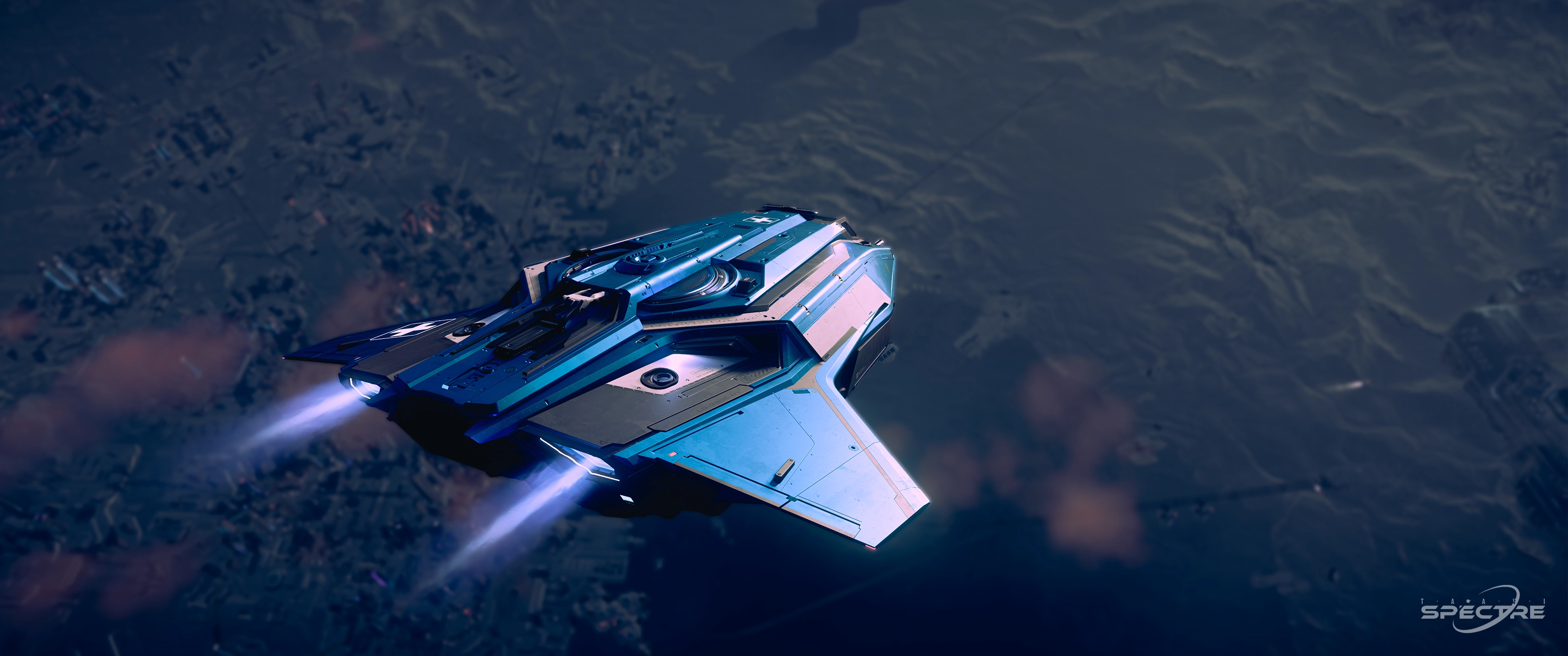
Death is a natural part of life in Star Citizen. Whether you are exploring a hostile bunker, fighting pirates in deep space, or simply misjudging a landing, sooner or later every pilot will find themselves waking up in a hospital bed.
Fortunately, death in Star Citizen is not as punishing as many new players expect, but there are still consequences worth understanding.
When your character dies, you will respawn at your currently assigned medical facility.
For most new players, this is usually the hospital located at their chosen starting city. However, you can change your regeneration point by visiting another hospital or medical facility and transferring your imprint there.
After respawning, you can immediately continue playing and begin recovering any lost equipment or vehicles.
When you die, the equipment you were carrying remains on your body at the location where you died.
This includes:
If you are able to return to your corpse, you can often recover your belongings. However, this is not always possible, especially if you died in a dangerous area or your body becomes inaccessible.
For this reason, many experienced players avoid carrying expensive equipment unless necessary.
If your ship is destroyed along with you, it will generally need to be claimed through an ASOP terminal.
Once the claim timer has completed, a replacement ship can be retrieved and used normally.
Any cargo or items stored aboard the lost ship may not be recoverable, depending on the circumstances.
Death is not always immediate.
In many situations, your character may first enter an incapacitated state. During this time, other players can revive or rescue you using medical equipment.
This has created an entire profession within Star Citizen, with dedicated medical pilots responding to distress beacons and rescuing stranded players throughout the system.
If help arrives in time, you may avoid death entirely and continue your adventure.
If you die while possessing a CrimeStat, additional consequences may apply.
Depending on the circumstances, you may respawn in prison rather than at a hospital. From there, you can either serve your sentence, perform work to reduce your remaining time, or attempt an escape.
Law-abiding pilots generally have little reason to worry about this system.
It is important to remember that Star Citizen remains in active development.
Cloud Imperium Games has stated that the long-term vision for death and character persistence will become more detailed over time. Various systems related to injury, medical gameplay, and character consequences continue to evolve throughout development.
As a result, the exact mechanics of death may change in future updates.
Every Star Citizen player dies eventually. In fact, making mistakes is one of the fastest ways to learn.
While death may cost you some equipment, time, or cargo, it is rarely the end of your adventure. Learn from each experience, prepare for the unexpected, and don't let the fear of losing gear stop you from exploring everything the 'verse has to offer.
Your spawn location, also known as your regeneration point, determines where you will wake up after dying. Understanding how to set and change your spawn location is important, especially once you begin travelling far from your starting city.
Fortunately, changing your respawn location is quick and easy.
When you create a new character, Star Citizen will ask you to choose a starting city.
This location becomes your initial regeneration point, meaning you will respawn there whenever you die until you decide to change it.
While your choice is important at the beginning, don't worry too much-you can change your spawn location later at any major medical facility.
To set a new spawn location, you must visit a hospital or clinic that supports medical regeneration.
These can be found at:
Once you arrive, locate the medical center and enter the hospital area.
Inside the medical facility, look for a Regeneration Terminal.
Interact with the terminal and select Transfer Imprint.
After confirming the transfer, that facility becomes your new regeneration point. From this moment onward, any future deaths will cause you to respawn at that location instead of your previous one.
The process only takes a few seconds and can be repeated whenever you wish to move your spawn location elsewhere.
Many players regularly move their regeneration point depending on what activities they plan to do.
Common reasons include:
A well-placed spawn location can save a significant amount of time after an unexpected death.
Some ships contain medical facilities capable of treating injuries, but not all medical beds can currently function as regeneration points.
The ability to respawn aboard a ship depends on the capabilities of that vessel and the current game mechanics. Because these systems continue to evolve throughout development, their functionality may change in future updates.
If you're unsure where your regeneration point is set, the easiest way to verify it is by visiting a medical facility and checking the regeneration terminal.
Many experienced players make a habit of confirming their spawn location before beginning long operations or travelling to another region of the system.
Setting your spawn location strategically is one of the simplest ways to improve your Star Citizen experience.
Before heading out on a major adventure, take a few moments to transfer your imprint to a nearby station or hospital. If the unexpected happens, you'll be back in action much faster and ready to continue your journey among the stars.

Landing is one of the most important skills every pilot must learn in Star Citizen. While taking off is usually straightforward, a poor landing can quickly result in damaged components, lost cargo, or even a destroyed ship. The first-flight guide combines takeoff, quantum travel, landing, and ship storage in one continuous walkthrough.
The good news is that with a little patience and practice, safe landings become second nature.
As you approach your destination, begin reducing your speed well before reaching the landing area.
Many new pilots make the mistake of arriving too fast and attempting to slow down at the last second. Instead, gradually reduce your velocity and give yourself plenty of time to assess the environment.
Whether you're landing at a space station, city, outpost, or remote location, a controlled approach is always the safest option.
If you are arriving at a city, station, or other controlled location, you must first request landing permission from Air Traffic Control (ATC).
Once clearance has been granted, you will be assigned a landing pad or hangar. Follow the marker provided and carefully approach your designated landing area.
Attempting to land without authorization may prevent hangar doors from opening or make it difficult to locate your assigned landing zone.
Before touching down, deploy your landing gear.
The default keybind is:
Lowering the landing gear stabilizes your ship and prepares it for a safe landing. Most ships also provide visual and audio indicators confirming that the gear has been deployed correctly.
As you move into position above the landing area, reduce your speed even further.
Use gentle control inputs and descend slowly using downward thrust. Avoid sudden movements or aggressive corrections, particularly when flying larger ships.
A smooth and controlled descent is almost always preferable to a fast landing.
Once your ship is aligned with the landing pad or hangar floor, continue descending until the landing gear makes contact with the surface.
After touchdown, reduce all thrust inputs and allow the ship to settle completely before powering down systems or exiting the cockpit.
Many ships will automatically display a confirmation once a successful landing has been detected.
Not every landing takes place at a station or city.
Exploration, mining, cargo operations, and mission gameplay often require pilots to land on open terrain. Fortunately, Star Citizen offers several tools and techniques that can help you safely place your ship on uneven surfaces.
Because these methods vary depending on the ship, terrain, and situation, they are covered in greater detail within the For Citizens guides, where you can learn advanced landing techniques and best practices for operating safely throughout the 'verse.
Every pilot experiences rough landings from time to time. The key is to stay calm, reduce your speed early, and focus on maintaining control throughout the entire approach.
With experience, you'll learn how different ships handle, how to judge distances more accurately, and how to land confidently in almost any environment.
A successful landing marks the end of every journey and the beginning of the next adventure.
Take your time, fly smoothly, and remember that a safe landing is always better than a fast one. Master this skill, and you'll be ready to operate anywhere in the Star Citizen universe.
Flying a ship is easy. Mastering one is another matter entirely.
Advanced Flight focuses on the techniques and skills that separate experienced pilots from beginners. Learn how to manage speed effectively, maintain energy during combat maneuvers, improve situational awareness, and fly confidently in both atmosphere and space.
Whether you are interested in dogfighting, formation flying, carrier operations, interception tactics, or high-performance maneuvering, this section provides in-depth guides designed to help you become a safer, faster, and more capable pilot.
Topics include advanced ship handling, combat maneuvering, squadron tactics, navigation, flight discipline, and much more.
If your goal is to truly master flight in Star Citizen, this is where your training begins.
This guide applies to the current Star Citizen patch: Alpha 4.8.0
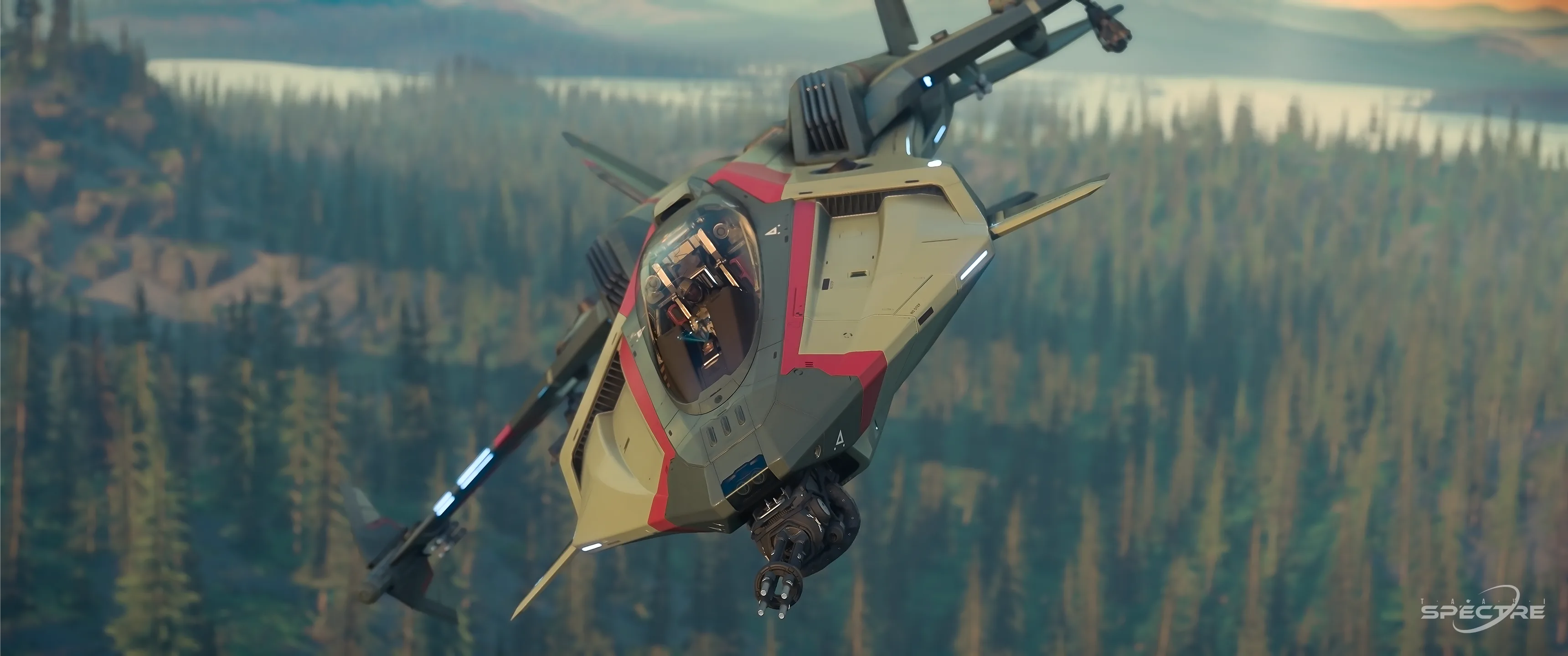
The default way to take a screenshot in Star Citizen is simple: press the Print Screen key. This captures a quick in-game screenshot and stores it in your Star Citizen screenshot folder, usually under C:/User/StarCitizen/LIVE/screenshots. This is the fastest option for spontaneous moments, bug reports, quick social posts, or anything you want to save without interrupting gameplay.
If you want more cinematic Star Citizen screenshots, wallpapers, or gallery-ready images, the capture key is only the beginning. Strong screenshots come from camera placement, composition, focal length, depth of field, capture format, and sometimes optional tools such as head and eye tracking. This guide walks through the practical workflow from your first screenshot to more advanced creator techniques, including Director Mode and the full camera keybind cheat sheet below.
The F4 key doesn't just switch between two but between three camera states:
Important in practice: Third Person and Director Mode show no visually recognizable difference from one another. The advanced camera controls (freelook, offset, FOV, depth of field, presets) are available identically in both states. Director Mode is not, technically speaking, a separate visual mode — it's the name the community and Cloud Imperium Games themselves use for this advanced camera system.
For this guide, that means: whenever "Advanced Camera Controls" or "Director Mode" is mentioned below, it refers to the same set of controls available from the second press of F4 onward.
Quick reference for all keys used for screenshots and Director Mode.
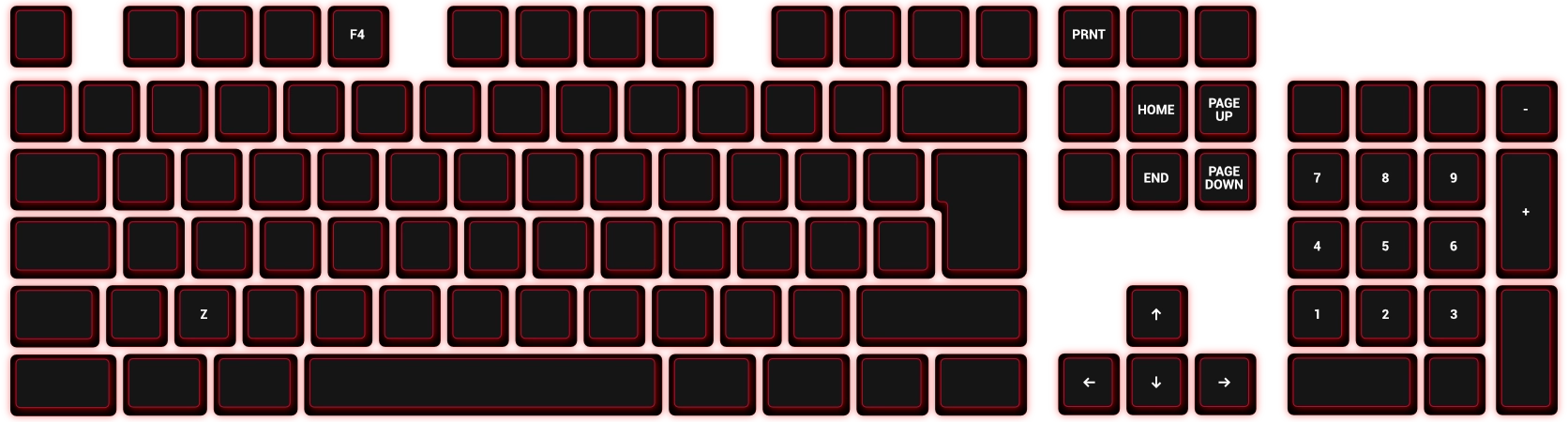
| Key | Function | Category |
|---|---|---|
| Print Screen / PrtSc / PRNT | Take a screenshot | Capture |
| F4 (1×) | Switch to Third Person | Camera mode |
| F4 (2×) | Switch to Director Mode | Camera mode |
| Z (hold) | Activate freelook | Rotate camera |
| Mouse wheel | Change camera distance | Position |
| F4 + Left/Right Arrow | Move camera horizontally | Position |
| F4 + Up/Down Arrow | Move camera forward/backward | Position |
| F4 + Page Up/Page Down | Change camera height | Position |
| F4 + Numpad Plus | Narrow field of view (zoom in) | Field of view |
| F4 + Numpad Minus | Widen field of view (zoom out) | Field of view |
| F4 + Home | Adjust depth of field (direction 1) | Depth of field |
| F4 + End | Adjust depth of field (direction 2) | Depth of field |
| F4 + Numpad 1–9 (hold) | Save a camera preset | Presets |
| F4 + Numpad 1–9 (tap) | Load a camera preset | Presets |
| F4 + Numpad 0 | Clear a preset | Presets |
| F4 + Numpad Multiply | Reset the camera | Presets |
| F12 | Hide the chat window | Composition |
All bindings can be customized in game under Options → Keybinds → Adjust Keybinds.
 JPG
PNG
JPG
PNG
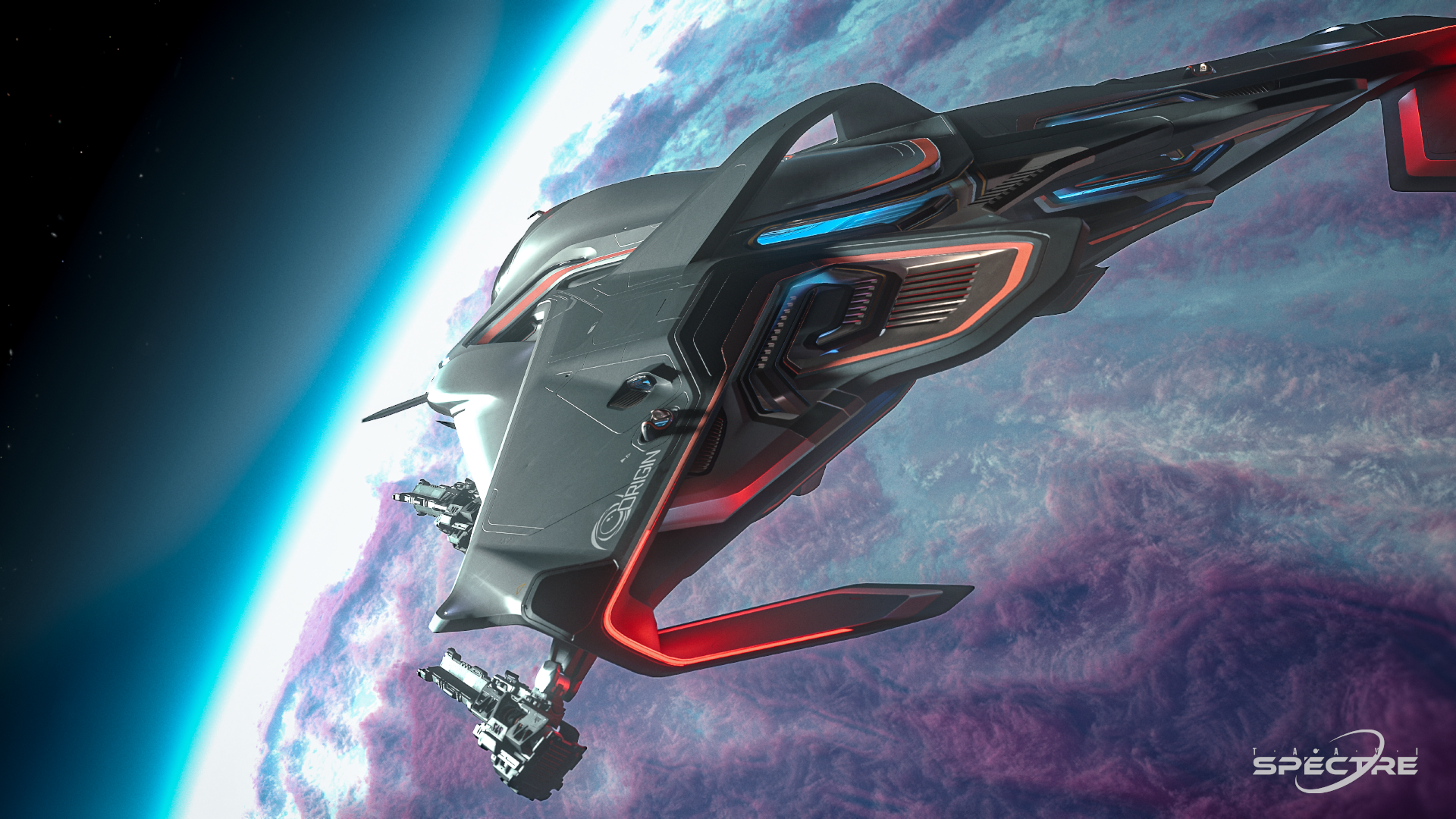
The Print Screen key is perfect when speed matters more than post-processing. Depending on your setup, this usually creates a compressed image format such as JPG in the default screenshot folder. JPG files are easy to share and small enough for quick uploads.
JPG files are smaller and easy to share, but compression can reduce fine detail, introduce banding in dark gradients, and create visible artifacts in stars, smoke, clouds, and subtle lighting. If you want to edit the image later, crop it as a wallpaper, or preserve as much quality as possible, capturing as PNG through tools such as the Xbox Game Bar or another lossless capture workflow is usually the better choice.
A simple rule works well: use JPG for fast sharing and PNG for screenshots you want to edit, archive, or publish as polished gallery work.
Advanced camera controls are most useful when you already know what the image should communicate. Before adjusting every setting, decide what the subject is. Is it the ship silhouette, the cockpit atmosphere, the scale of a planet, a character portrait, or a moment of action?
Once the subject is clear, move the camera to remove distractions. Watch the background, leave breathing room in the direction a ship is flying, and use lines from hangars, landing pads, clouds, asteroid fields, or city lights to guide the viewer's eye toward the important part of the frame.
Focal length changes how space feels inside an image. A wider focal length shows more of the scene and exaggerates distance. This is useful for dramatic cockpit interiors, large landing zones, low flybys, or images where you want the environment to feel huge.
A longer focal length narrows the view and compresses distance. It can make a ship portrait feel more premium, pull background elements closer, and reduce the distorted look that wide shots can create near the edge of the frame. For clean ship photography, a longer focal length often makes the subject look more intentional and less like a random camera snapshot.
Practical example: use a wider view when you want to show a ship leaving a hangar or crossing a planet surface. Use a longer view when you want a calm profile shot, a close pass, or a cinematic portrait against a moon, station, or nebula.
Depth of field controls how much of the image appears sharp. A shallow depth of field keeps the subject sharp while the foreground or background becomes soft. This is powerful for portraits, cockpit details, weapon closeups, landing gear, helmets, and small story moments.
Strong blur should be used carefully. If the whole scene becomes too soft, the image can feel artificial or hard to read. For most Star Citizen screenshots, a subtle depth of field works better than an extreme effect. Focus on the subject first, then add just enough background blur to guide attention without hiding the world.
The external camera allows you to move away from the cockpit and build shots that are impossible from the pilot seat. Small camera movements often matter more than large ones. A slight shift up, down, left, or right can remove visual clutter, reveal the ship shape, or align the subject with a planet, station, or light source.
Camera tilt, sometimes called a dutch angle, can make a screenshot feel faster, more tense, or more cinematic. It works especially well for combat passes, racing, emergency landings, carrier operations, and close flybys. The important part is intention: tilt should support the motion or mood of the scene, not make the image feel accidentally crooked.
The HUD currently cannot be fully hidden in Star Citizen. A simple and often overlooked trick, however, is to hide the chat window using F12 — this noticeably frees up clean frame space without distracting text elements, especially for close-ups and cockpit screenshots.
The Tobii Eye Tracker 5 enables natural head and eye tracking in Star Citizen, without a headset or markers.
It's useful for cockpit awareness, target tracking, immersive flying, and as an additional camera control when creating cinematic Star Citizen screenshots.
By purchasing through my affiliate link, you support Taavi Spectre at no extra cost to you. Use the code TAAVI where available.
Check out the Tobii Eye Tracker 5
This is an affiliate link (advertisement). If you buy through this link, I may receive a commission. The price you pay does not change. Star Citizen screenshots can be created without additional hardware.
Press the Print Screen (PRNT) key. The image is saved to your Star Citizen LIVE screenshots folder, usually under C:/User/StarCitizen/LIVE/screenshots.
Director Mode is the advanced camera state reached by pressing F4 twice. It gives access to freelook, camera offset, field of view, depth of field, and camera presets — visually identical to Third Person, but with the full set of advanced controls active.
Use JPG for fast sharing and casual captures. Use PNG, for example through the Xbox Game Bar, when you plan to edit, archive, or publish the screenshot at high quality.
Press F12. The HUD itself cannot be fully hidden in Star Citizen, but hiding the chat window removes distracting text from the frame.
No. It is an optional creator tool that adds extra head and eye tracking perspective control. Star Citizen screenshots can be created without any additional hardware.
Money makes the Stanton system go round.
The Star Citizen economy offers countless opportunities for players to build wealth through trading, hauling, mining, salvaging, manufacturing, mission running, and countless other professions. Understanding how these systems interact can significantly improve both your profits and your overall gameplay experience.
In this section, you'll learn how the economy works, how supply and demand influence markets, how to identify profitable opportunities, and how to reduce risks while maximizing efficiency.
Whether you're operating a starter ship or commanding a large industrial fleet, these guides will help you make informed decisions and grow your financial empire one contract at a time.
Success in Star Citizen isn't just about earning credits-it's about understanding how the entire economy functions.
Star Citizen becomes truly extraordinary when players work together.
Community Operations focuses on the organization, coordination, and teamwork required to conduct successful group activities across the 'verse. From small squadron patrols to large-scale fleet deployments, effective communication and planning are often more important than firepower alone.
This section covers fleet organization, leadership principles, event planning, logistics, convoy protection, rescue operations, multi-crew gameplay, and coordinated combat tactics.
Whether you're looking to join an organization, lead your own team, or participate in large community events, these guides will help you understand how successful groups operate and why cooperation remains one of the most rewarding aspects of Star Citizen.
No matter the mission, every successful operation begins with teamwork.
You do not need special hardware to start playing Star Citizen. Keyboard and mouse are enough. But if you want deeper immersion, better control, and a more cockpit-like experience, these tools can upgrade your setup. Before buying accessories, check whether your core hardware meets the Star Citizen system requirements.
Disclosure: Tobii, GameGlass, and Woojer links may be affiliate or partner links. Discounts, codes, and promotions can change over time. Star Citizen can be played without additional hardware.

Add head and eye tracking to Star Citizen for more natural cockpit awareness, smoother camera control, and stronger immersion while flying.
Save 5% with code TAAVI
Use your tablet or phone as a Star Citizen control surface for ship systems, cockpit actions, mining, combat, and utility functions.
Save 10% with code TAAVI
Woojer transforms sound into powerful, physical haptic feedback, making games, music and movies feel more immersive. Instead of only hearing the action, you can actually feel explosions, engines, basslines and cinematic moments directly through your body.
Save 10% with code TAAVI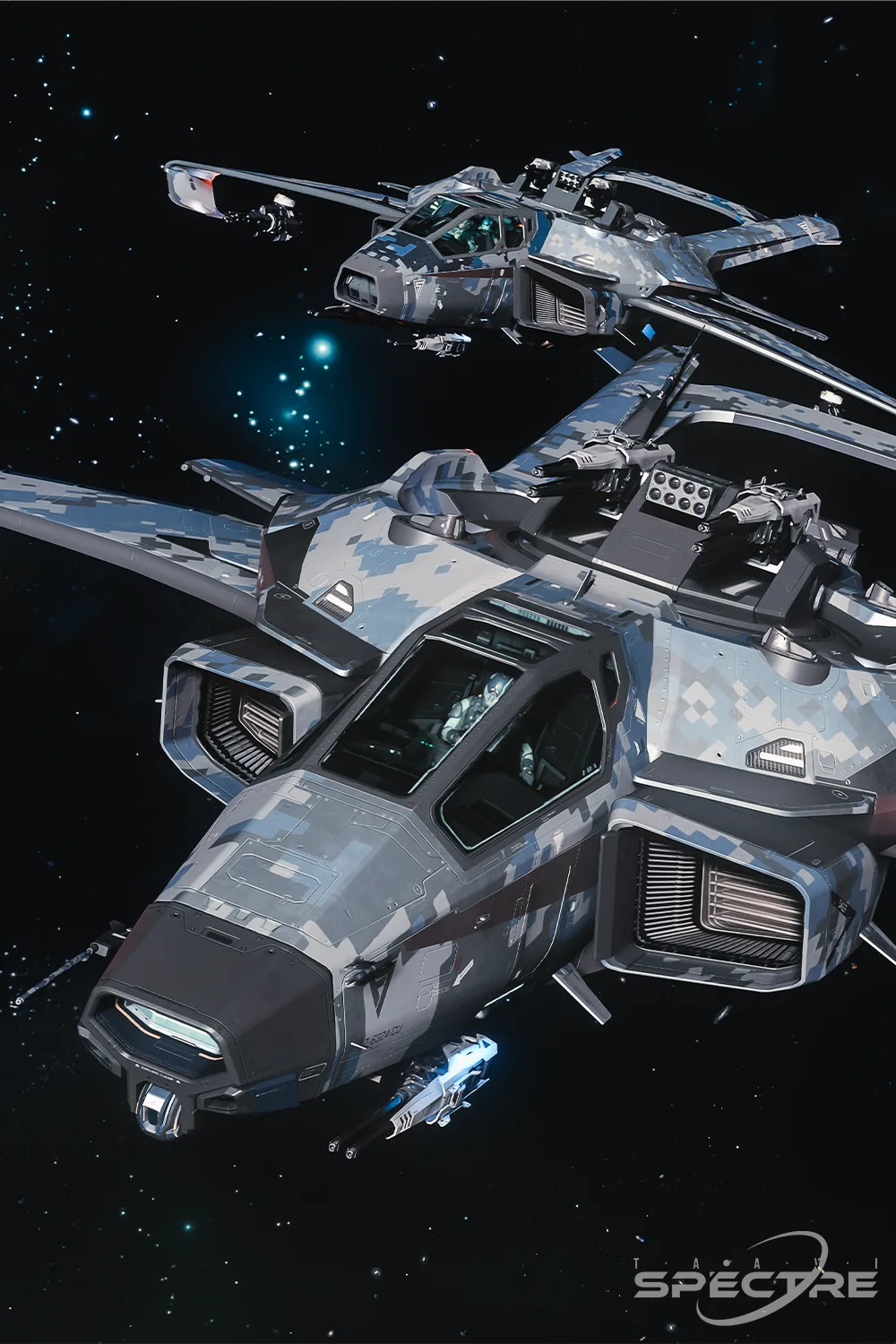
High-end flight sticks, throttles, and control panels for players who want precise dual-stick or HOTAS control in space combat and ship handling.
View VIRPIL Gear